
by admin
Share
by admin
Share

Localizing a website isn’t just translating words—it’s making the site feel native to users in each target market. Here’s a practical, step-by-step guide you can actually follow 👇
1️⃣ Decide what and where to localize
Start with strategy, not tools.
-
Target markets: countries and languages (e.g., Spanish ≠ only Spain)
-
Business goals: traffic, sales, support, branding?
-
Depth: full site vs. key pages (homepage, pricing, checkout, help)
👉 Pro tip: Prioritize markets with existing traffic or demand.
2️⃣ Prepare your website for localization (very important)
Before translating anything:
🔧 Make your site “localization-ready”
-
Separate text from code (no hard-coded strings)
-
Use UTF-8 encoding (supports all languages)
-
Avoid text in images (or plan to recreate them)
-
Allow flexible layouts (some languages are longer)
🌐 Plan your URL structure
Choose one (and stick to it):
-
example.com/fr/(recommended) -
fr.example.com -
example.fr(harder to manage)
3️⃣ Translate & adapt content
✍️ Translation ≠ localization
Localize:
-
Currency (€, ₫, ¥)
-
Date/time formats
-
Units (km vs miles)
-
Tone & formality
-
Cultural references, images, colors
Who should translate?
-
❌ Machine-only (bad for trust)
-
⚠️ Machine + human review (OK for scale)
-
✅ Native professional translators (best)
4️⃣ Handle languages correctly (technical SEO)
🔍 International SEO essentials
-
Use
hreflangtags -
Translate meta titles & descriptions
-
Localize keywords (don’t just translate them)
-
Create local backlinks where possible
Example:
5️⃣ Localize UX & functionality
This part is often missed:
-
Payment methods (local cards, wallets)
-
Contact info (local phone formats)
-
Legal pages (GDPR, local laws)
-
Forms (name order, address formats)
-
Right-to-left support if needed (Arabic, Hebrew)
6️⃣ Choose localization tools
Depending on size:
🧰 Small sites
-
Weglot
-
TranslatePress
-
WPML (WordPress)
🧰 Larger / scalable sites
-
Lokalise
-
Phrase
-
Smartling
-
Crowdin
These help manage translations, workflows, and updates.
7️⃣ Test like a local
Before launch:
-
Review by native speakers
-
Check mobile layouts
-
Test checkout & forms
-
Validate SEO
After launch:
-
Monitor bounce rate per locale
-
Track conversion differences
-
Gather local user feedback
8️⃣ Maintain & update
Localization is ongoing:
-
Sync new content automatically
-
Review outdated translations
-
Update cultural references regularly
Common mistakes to avoid 🚫
-
Translating without SEO research
-
Using flags instead of language names
-
One “Spanish” for all countries
-
Forgetting legal/compliance differences
If you want, tell me:
-
Your website type (blog, SaaS, e-commerce)
-
Target countries/languages
-
Platform (WordPress, custom, Shopify)
I can give you a custom localization plan or tool stack 🎯
STAY IN THE LOOP
Subscribe to our free newsletter.
Leave A Comment
French is one of the world’s major international languages, widely used in business, diplomacy, education, tourism, and international cooperation. As communication between French-speaking countries and the rest of the world continues to create professional opportunities, skilled French interpreters play an important role in helping people communicate across language barriers. If you are passionate about languages
French and English are two widely used languages in international business, diplomacy, education, tourism, and global communication. As organizations continue to work across linguistic and cultural boundaries, the ability to communicate accurately between these languages remains valuable. For people who enjoy languages and cross-cultural communication, becoming a French and English interpreter can be a rewarding
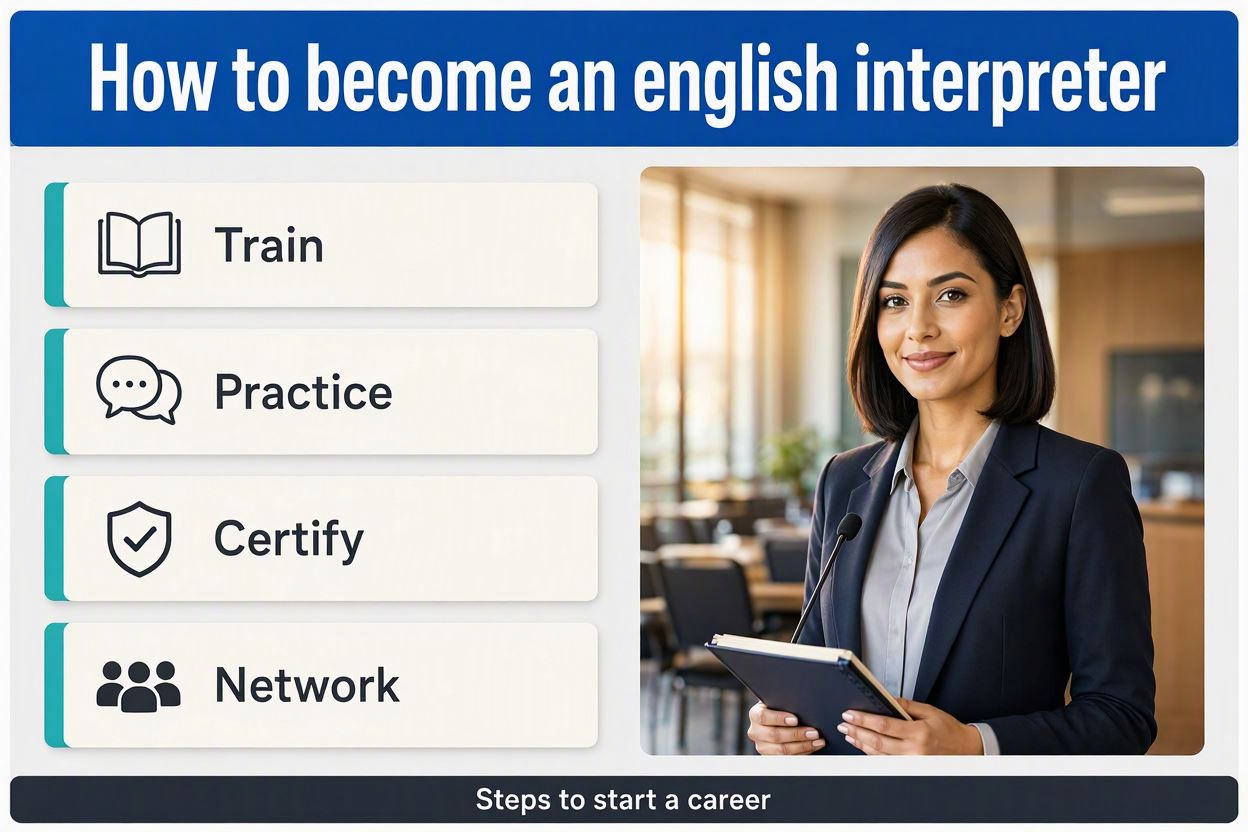
English is one of the most widely used languages for international communication. As businesses, organizations, and individuals increasingly work across borders, the demand for professional English interpreters continues to grow. If you have strong English skills, enjoy communicating with people, and are interested in working in a multicultural environment, becoming an English interpreter can be
If you want to become a French interpreter, you’ll need more than just strong French—you need to develop professional interpreting skills, subject knowledge, and experience. A practical path Reach a high level in French Aim for C1–C2 French, especially listening and speaking. If you’re in Vietnam, the DELF/DALF can provide formal evidence of your French